- Choose the audience for each memory when you save it, not once for everything.
- Sort people into a few named circles and default to the smallest that fits.
- Ask before widening memories that prominently feature other adults, and lean small for children.
- Keep the true record separate from AI captions or illustrated pages.
The short answer: decide the audience for each memory at the moment you save it, sort memories into a few named circles rather than one big feed, and keep anything sensitive — a health note, a hard day, a child's face — in the smallest circle that still lets the right people share it. Choose per memory, not once for everything.
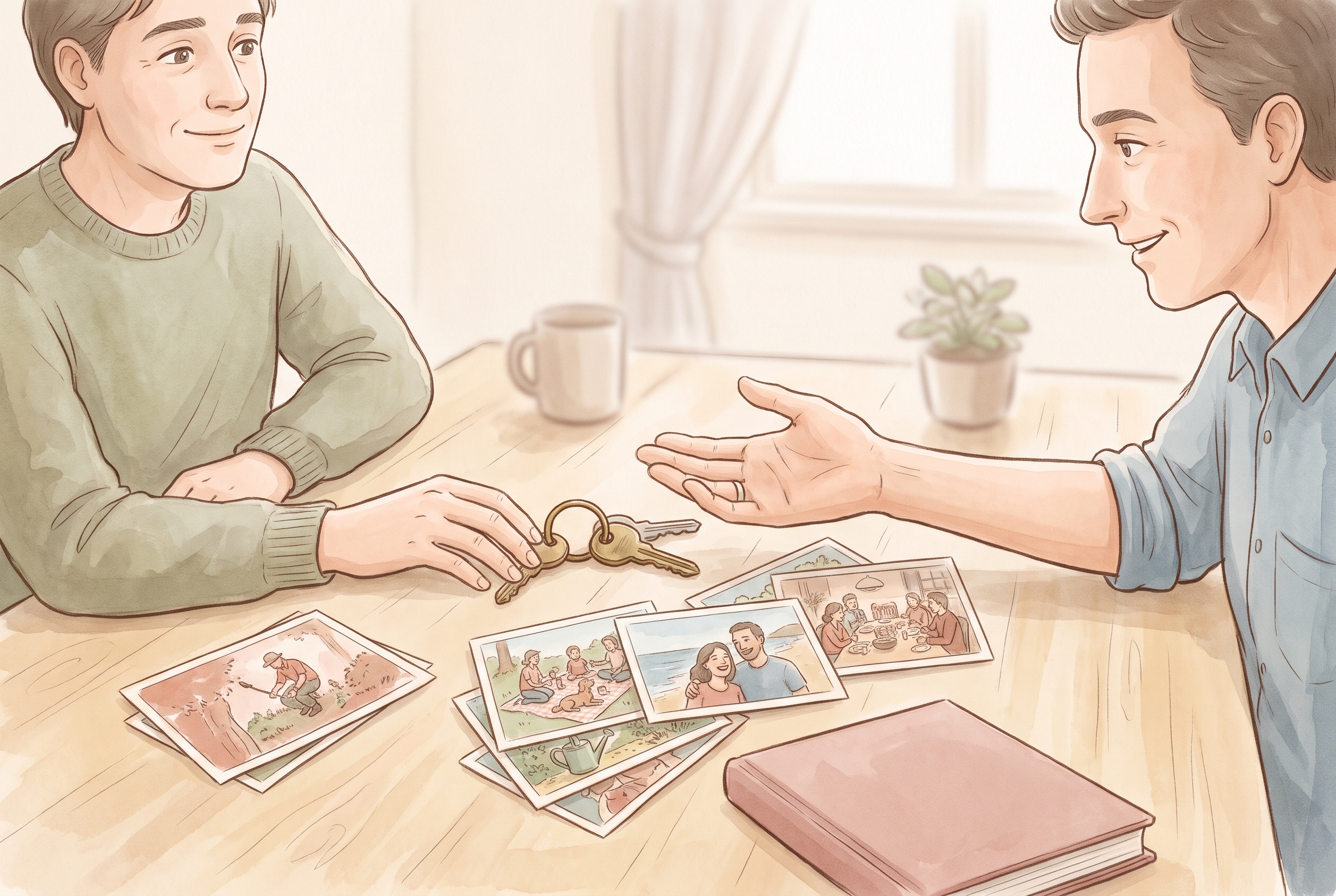
Start with the memory, not the setting
Most sharing regret comes from choosing an audience before you have looked at the memory itself. Turn that around. Look at what you are about to save and ask what it actually contains: a place, a face, a feeling, a piece of news that is not yours alone to tell.
For example, a short clip of your daughter singing off-key in the kitchen is warm and low-stakes for grandparents. A photo taken at a hospital, even a happy one, may involve details you would rather keep to two or three people. Same day, very different audiences.
Sort people into a few clear circles
You do not need a complicated system. Most families do well with three or four circles they can name out loud. When the circles are clear, choosing an audience takes a second instead of a debate.
- Close circle: the people who live the memory with you, such as a partner or the other parent.
- Wider family: grandparents, aunts, uncles and relatives you invite by choice.
- Just me: private notes, drafts, and memories you are not ready to share yet.
- Occasional guests: someone added for one event, then removed afterwards.
With chosen family audiences, you invite specific people rather than publishing to an open network. That is the practical meaning of private: a known list, not a guess about who might be watching.
How to share family memories privately, step by step
Here is a routine you can repeat without thinking hard each time. It keeps the decision small and consistent.
- Open the memory and look at what it shows before choosing anyone.
- Pick the smallest circle that still includes everyone who genuinely belongs in this moment.
- Decide whether the memory needs a face, a name or a location at all — sometimes a photo works just as well without them.
- Add a one-line note about why you kept it, so future-you remembers the context.
- Review the audience once more, then save.
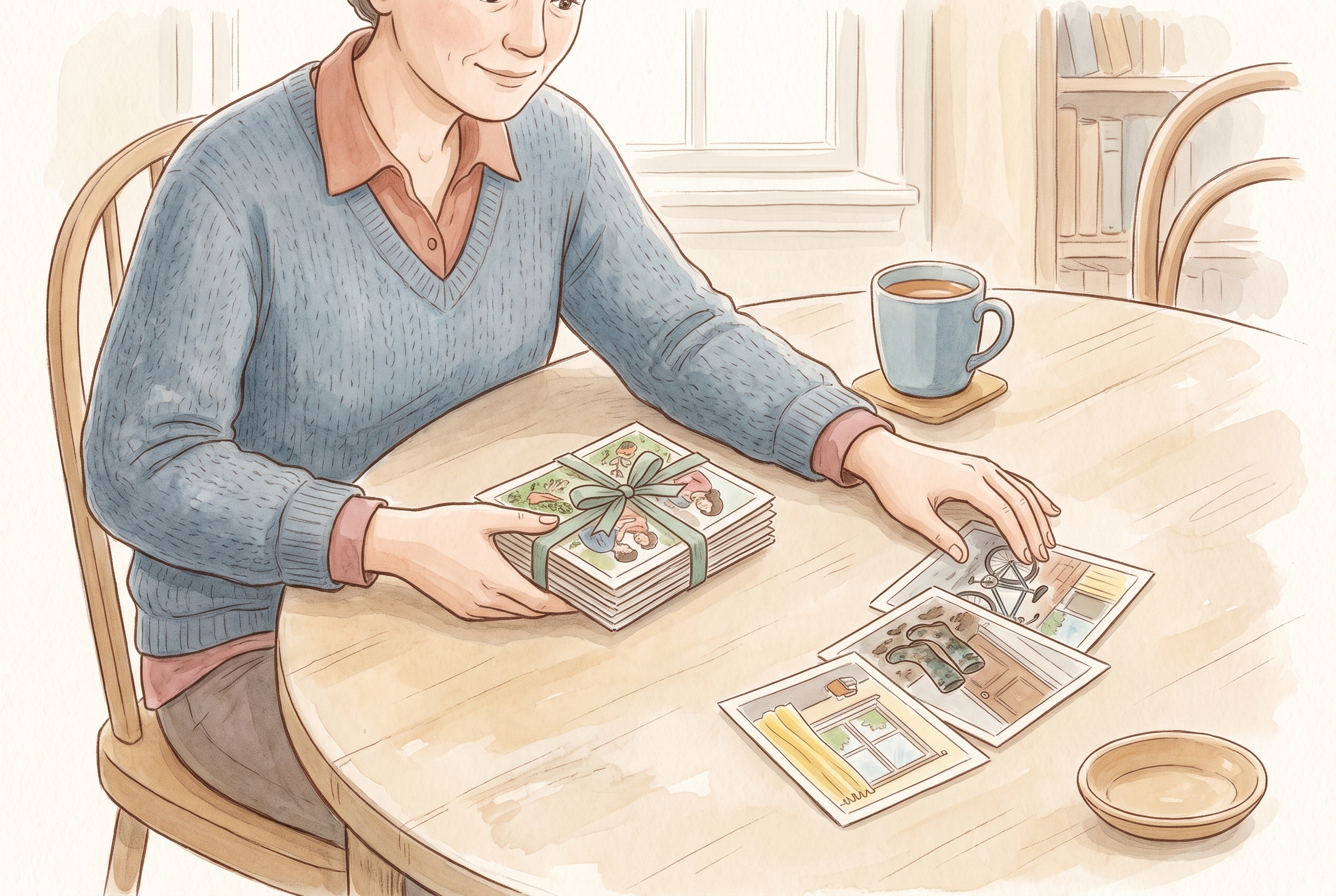
- When an event is over, remove any occasional guests you added just for it.
Be careful with memories that belong to others
Children appear all through a family's history, and so do relatives who may feel differently about being seen. A memory can be yours to keep and still not be entirely yours to broadcast.
A simple habit: if a memory features another adult prominently, ask them before widening the circle. For children, lean toward smaller audiences by default, and revisit older entries as they grow. You are not being over-cautious — you are respecting that a face today is a person with preferences tomorrow.
Keep the audience with the memory over time
Audiences drift. People join the family, others step back, and a moment that felt fine to share widely five years ago may feel more personal now. Treat your sharing choices as something you can revisit, not a permanent stamp.
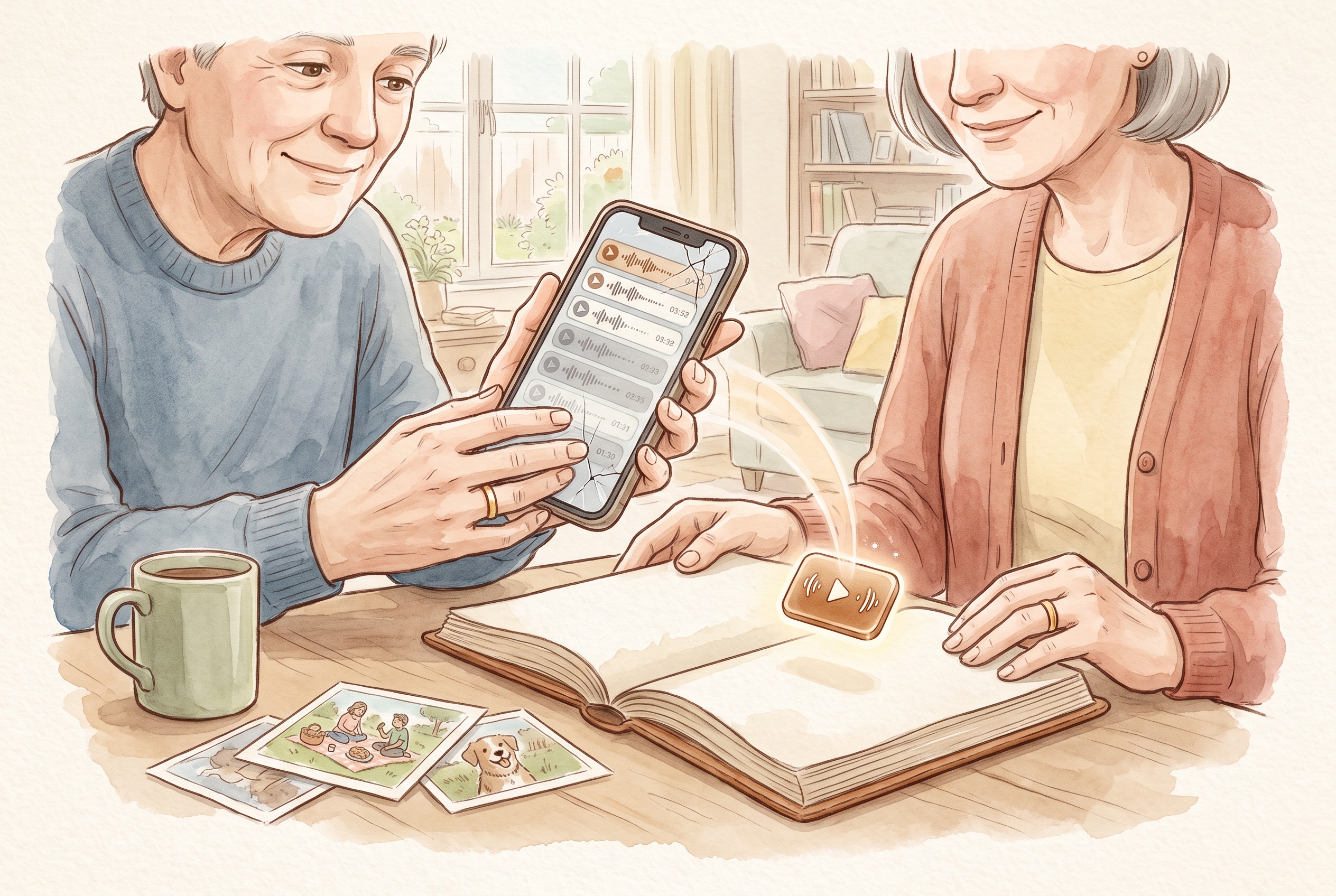
When you bring older photos in with Magic Import, take a moment to set each one's audience deliberately rather than assuming an old default still fits. You can read more about the specific choices and controls available on the privacy promise page.
Where illustration and AI fit — and where they don't
Some features can help you tidy a caption or turn a real memory into an illustrated page. That is useful for presentation. It is not a substitute for accuracy. Keep the true record — the actual photo, your words, a real recording — separate from anything stylised.
Assistance may draw on documented third-party providers rather than running entirely on your device, so treat AI as a helper for wording and artwork, never as a source of facts. Let it suggest a caption; do not let it invent an event, reconstruct a voice you do not have, or fill a gap you cannot verify. The memory is the truth; the illustration is the frame.
Bring photos, words and voices together in one place
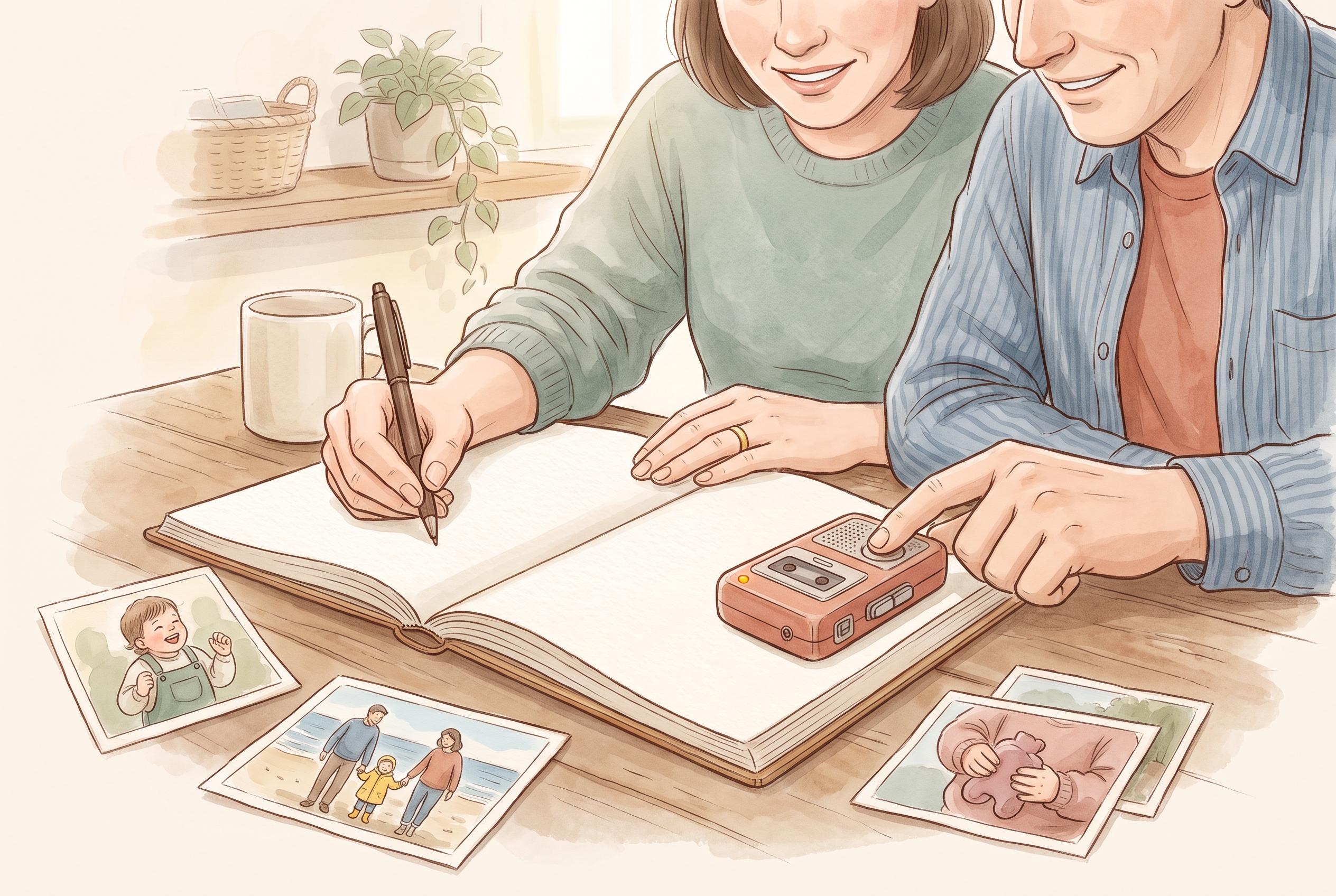
Deciding who can see a memory is easier when the memory is whole. A family journal keeps the photo, the note and the recorded voice together as one entry, so the audience choice applies to the complete moment instead of scattered fragments. When everything lives in one place, you set the circle once and know exactly what you shared.
Kaiary's availability, features and any subscription details vary by region and change over time; check current details for your country and our support pages before relying on a specific feature.
What is the safest way to share family memories privately?
Choose a specific audience for each memory rather than posting to one open feed. Invite named people into a small circle, keep sensitive moments in the smallest circle that fits, and remove occasional guests once an event has passed.
Should I ask family members before sharing a photo of them?
Yes, when the photo features an adult prominently, it is courteous to ask before widening the audience. For children, choose smaller audiences by default and revisit older entries over time as preferences change.
Can AI features change who can see a memory?
No. AI can help with wording or turn a real memory into an illustrated page, but it does not decide your audience. You set who can see each memory, and you should keep the true record separate from any stylised version.