- Accounts don't pass to family automatically — name a legacy contact on Apple, Google and Facebook now.
- List where your photos actually live, since each app sits under a different account and needs its own plan.
- Write a short, findable note saying which memories matter, who should get them, and where they are.
- Keep the memories you most want to survive in one chosen place rather than only behind a single passcode.
Most family photos today sit behind one person's login. That's convenient while you're here and catastrophic when you're not. Without a plan, a phone passcode or an account nobody can open can lock away every photo of a grandparent's last birthday or a child's first steps.
This article walks through the specific settings the big providers offer, then the quieter, non-technical part: deciding which memories matter, who should get them, and writing that down. This is practical guidance, not legal, estate or tax advice — for those, speak to a qualified professional.
Why a digital legacy plan matters now
The answer in one line: accounts don't pass to your family automatically, and most are designed to stay locked. Guessing a password or sharing it informally often breaks a provider's terms and can get an account frozen. The reliable route is the legacy tool each provider built for exactly this.
Start by listing where your photos actually live. For many families that's a phone's camera roll, a cloud photo library, a messaging app and a social feed. Each of those sits under a different account, and each needs its own plan.
Set up Apple's Legacy Contact
If your photos are in iCloud, Apple's Legacy Contact lets you name someone who can request access to your account data after you die. Verify the exact steps on Apple's official support pages the day you set it up, as menu names change.
- Open Settings, tap your name at the top, then go to the Sign-In & Security area where Legacy Contact appears.
- Add one or more people you trust. Apple generates an access key — share it with them and keep a copy somewhere findable.
- Tell your legacy contact they'll later need that key plus a copy of your death certificate to request the data.
This suits anyone whose main photo store is an iPhone or iCloud library. The effort is about ten minutes once.
Use Google's Inactive Account Manager
If your photos sit in Google Photos or Google Drive, Google's Inactive Account Manager decides what happens after your account is unused for a period you choose. Check the current setting names in Google's own account help before you rely on these steps.
- In your Google Account settings, find the Data & privacy section and look for Inactive Account Manager, then Make a plan.
- Choose how long of inactivity should trigger the plan, typically several months.
- Name trusted contacts and select which data they can download, or ask Google to delete the account afterward.
This is the right tool for Android and Google-heavy households. Set the inactivity window generously so a long hospital stay doesn't trigger it early.
Name a Facebook legacy contact
On Facebook, a legacy contact can manage a memorialised profile, but they cannot read your private messages. Confirm the current path in Facebook's own settings, as these labels shift over time.
- Open Settings, then the memorialisation or legacy settings under your account and personal information.
- Choose a legacy contact and decide whether they can download a copy of what you've shared.
- Decide in advance whether you'd prefer the account memorialised or permanently deleted.
Remember that photos only shared on a social feed are a thin record. If an album matters, keep the originals somewhere you control, not only on a platform.
The non-technical part: which memories, and for whom
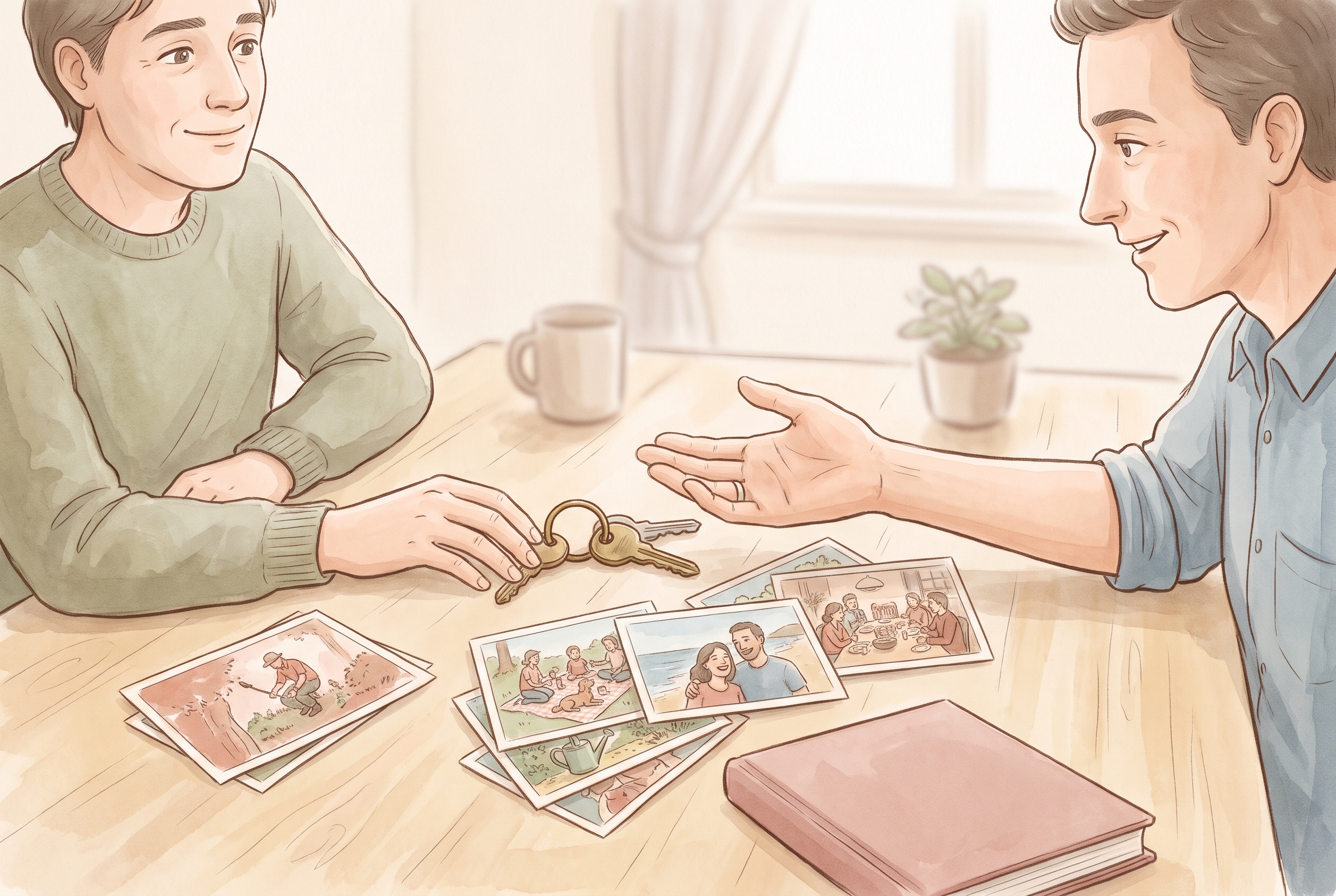
Settings move accounts; they don't decide meaning. The harder, more valuable work is naming which memories matter and who should receive them. A short written note — where things are, which accounts hold them, who you'd want to have them — does more good than any single toggle.
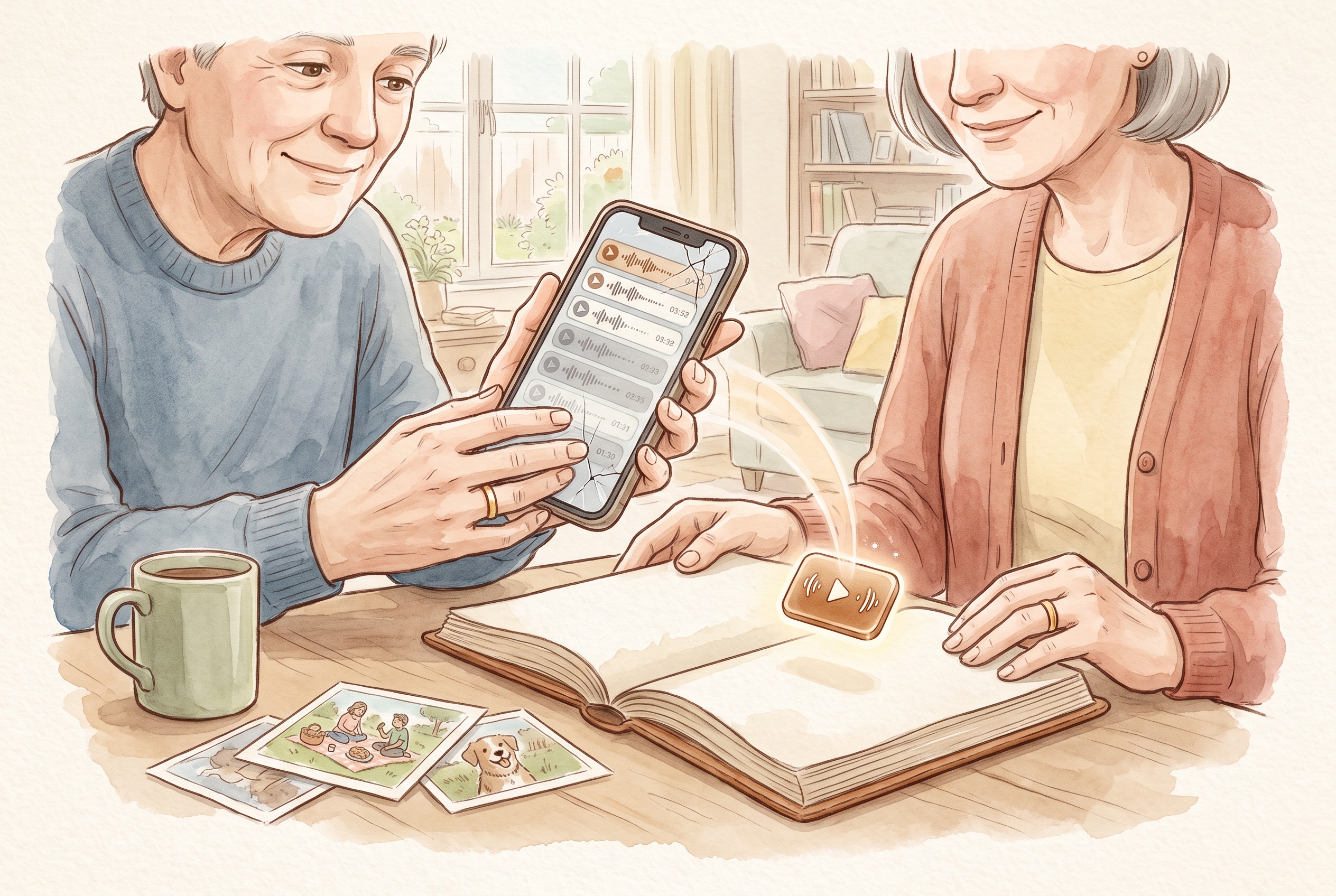
Write it plainly. For example: "The voice notes from Grandad are in the messaging app; I'd like Maya to have them." If you've been saving voicemails and recordings, note where those live too — our guide on how to save voicemails covers getting a voice off a phone before the number lapses. For gathering a scattered year without rewriting it, see organising a year of family memories.
Keep the memories that matter in one place you can pass on
Legacy contacts unlock accounts, but your photos, words and voices stay scattered across apps you'd each have to open separately. One practical option is to keep the memories that matter most together in a private family journal. Kaiary holds photos, written notes and audio in one entry, and family sharing lets you choose exactly who sees each memory while you're here. Kaiary doesn't replace naming legacy contacts on the accounts above, and we don't claim an inheritance feature — but keeping the records you most want to survive in one chosen place, shared with chosen people, makes them far easier to pass on than a camera roll behind a single passcode. You can read how we handle privacy in our privacy promise.
Availability varies by region and over time; check current details for your country before relying on any specific feature.
What happens to my photos if I die without a plan?
They usually stay locked in your accounts. Providers rarely hand over data without a pre-named legacy contact, and sharing passwords informally can breach their terms and freeze the account.
Can my family just use my passwords after I'm gone?
It's risky. Many provider terms prohibit account access by anyone but the owner, and an account can be suspended. The reliable route is the official legacy tool each provider offers, set up in advance.
Does naming a legacy contact give instant access?
No. Apple and Google require proof such as a death certificate and may need an access key, and processing takes time. Set it up early and tell your contact what they'll need.