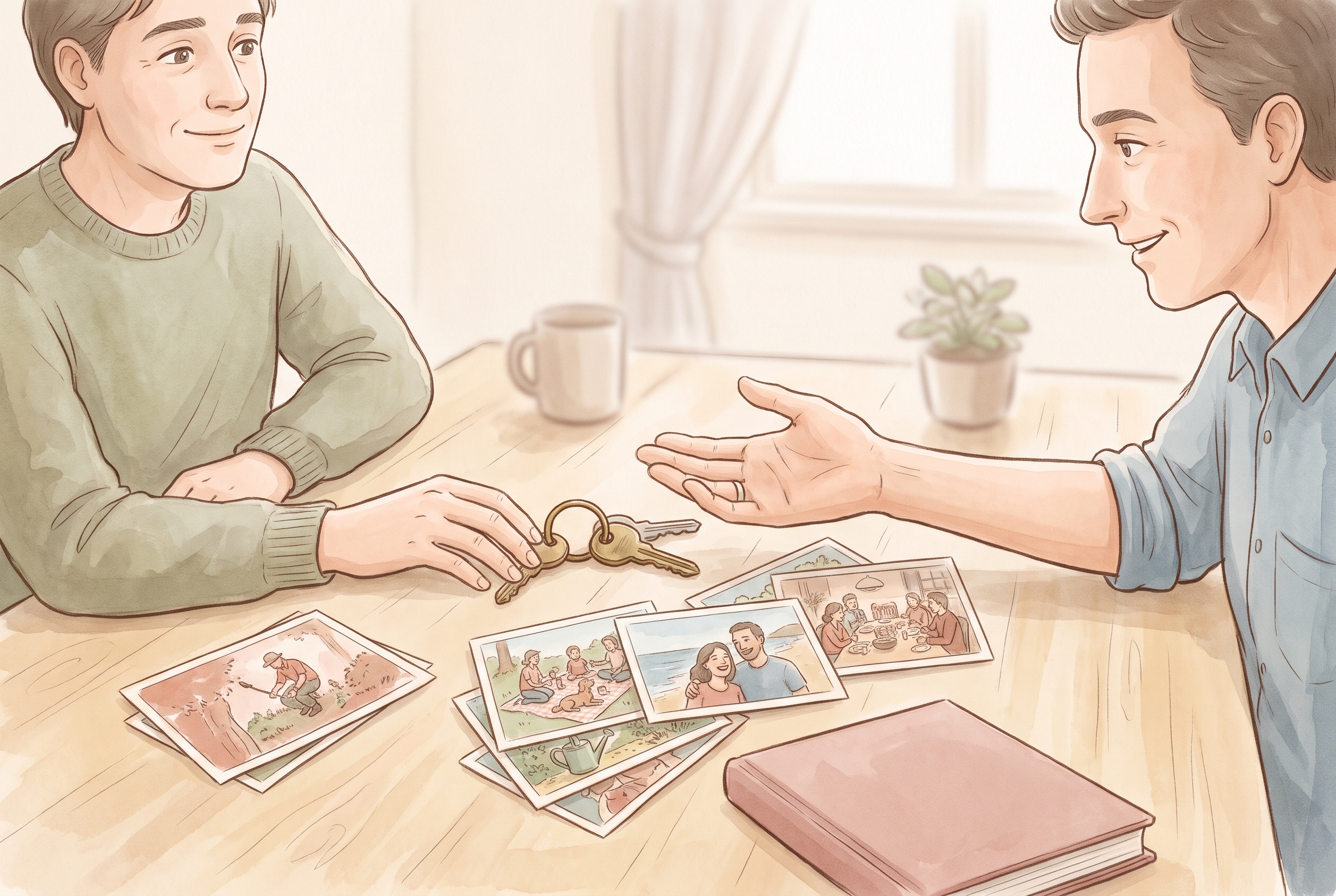
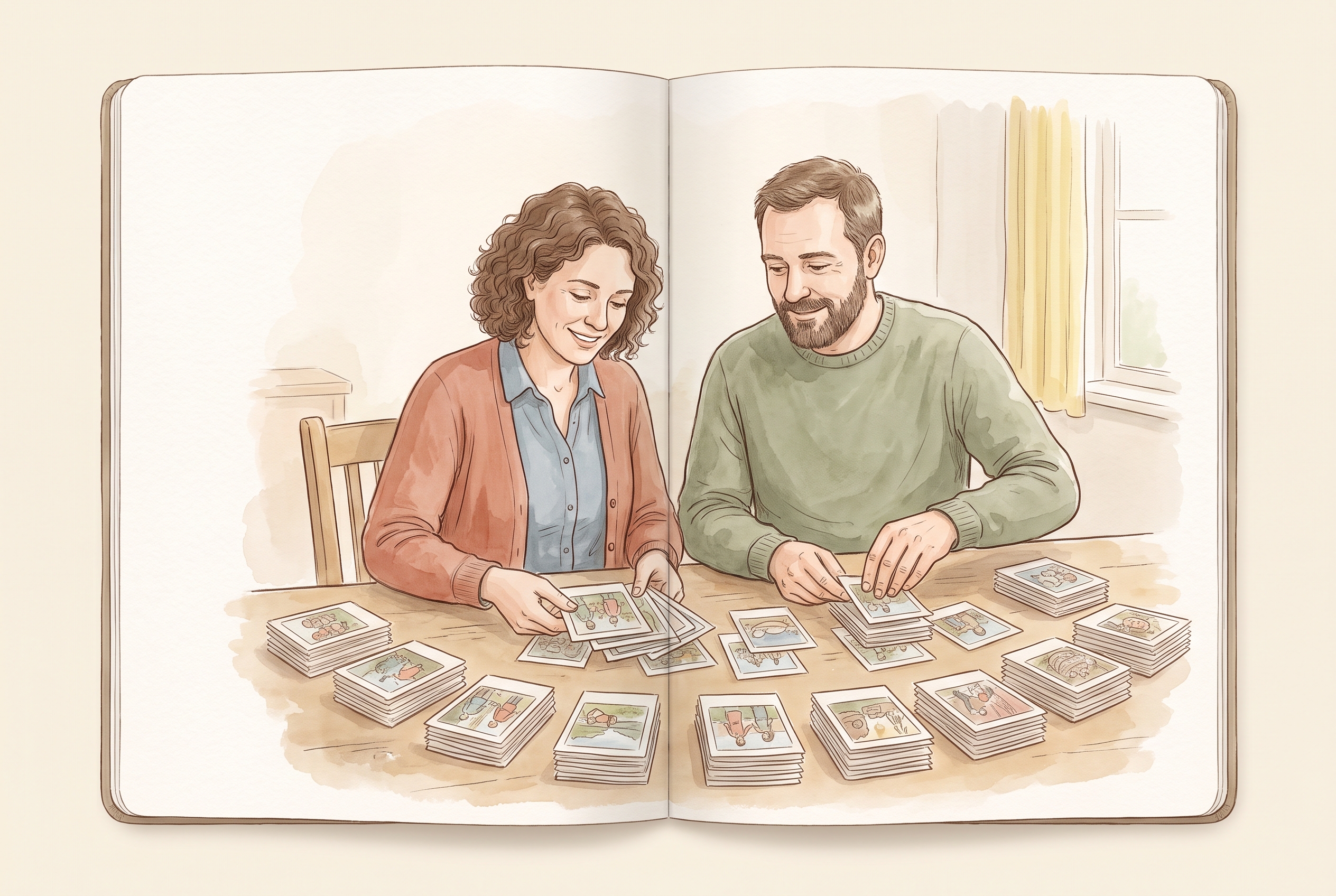
- Organize one month at a time in short passes — don't try to rewrite the whole year.
- Keep photos, words and voice together in one place instead of scattered across apps.
- Let captions describe what you actually know; don't let a tool invent events or dates.
- Set audience per memory so private notes stay private and shared ones reach the right people.
Start with the smallest honest unit: one month. Open your phone's photos for that month, pick the handful that still mean something, and put them where they belong before you write a single caption. Do this twelve times and you have organized a year — without rewriting it, and without pretending you remember every day.
Why rewriting the year is the wrong goal
People stall on family memories because they imagine a finished, narrated record — a tidy story with every event in order. That is a book project, and books are exhausting. Organizing is different. It means putting things in reach, not making them beautiful.
When you try to rewrite the year from memory, you also risk smoothing over the real details. The exact word your daughter used, the reason you took that blurry photo, the sound of a specific afternoon — those are what fade, and no summary brings them back. Keep the raw pieces. You can always add a sentence later; you cannot recover a detail you paper over now.
A month-by-month pass that actually finishes
The trick is to make each month a short, closeable task. Aim for fifteen minutes per month, not a perfect archive. Here is an order that keeps the work from ballooning:
- Scroll one month of photos and select five to fifteen that still matter. Ignore duplicates and screenshots.
- Group them by what they are: a trip, a birthday, an ordinary Tuesday. Don't overthink the labels.
- Add a one-line note only where the photo won't explain itself in a year — who is there, or why it mattered.
- If you have a voice memo or a short clip from that month, keep it with the photos rather than in a separate app.
- Close the month. Do not go back and polish it.
Keep photos, words and voices in one place
Family memories scatter across camera rolls, messaging threads, notes apps and voice recorders. The single biggest improvement you can make is to stop splitting them. A photo without its story loses meaning; a note without its photo loses proof; a voice clip in a separate app is usually never heard again.
When you gather a month, pull those three kinds of things into the same entry. In a family memory journal, photos, text and audio can live together, so the picture of the picnic sits beside the two sentences you wrote and the ten-second clip of everyone laughing. If you already have a year of photos in your phone, bringing them in together is usually faster than typing everything from scratch.
Let a caption be a caption — not an invention
When you catch up on a busy month, it is tempting to fill gaps with a good-sounding story. Resist that for anything you'll treat as record. A caption should describe what you actually know.
Some tools can help draft a caption or turn a real memory into an illustrated page, and that can be a lovely finishing touch. But keep a clear line: assistance can tidy wording or make a picture prettier; it should not invent an event, reconstruct a voice you never recorded, or state a date you are guessing at as if it were fact. If you are unsure whether something happened, note it as uncertain rather than letting a smooth sentence decide for you.
For example, instead of "Our first snow of the year, December 3rd," write what you're sure of: "First real snow — sometime early December. The kids were out before breakfast."
Decide who sees each memory as you go
Organizing is also the natural moment to decide audience. Some memories are for you, some for a partner, some for the grandparents who weren't in the room. Deciding this per entry — rather than dumping everything into one shared feed — keeps the archive honest and comfortable.
With chosen family audiences, you can invite specific people and set what they see, so a private note stays private while the birthday photos reach the relatives who'd love them. These are concrete choices you make, not automatic sharing; you can review the available controls and settings in the privacy choices and adjust them any time.
Handle the backlog without dread
If you're organizing several past years, don't try to catch up all at once. Do the current month first so new memories stop piling up, then work backward one month per sitting. A partial archive that keeps growing is far more valuable than a complete one you never start.
- This month first, so you're no longer falling behind.
- Then last month, then the one before — recent memories are still easy to place.
- Save the oldest, foggiest months for last; they need the least detail anyway.
- Accept gaps. A year with a few empty months is still organized.
An honest limit
No method gives you perfect recall, and no app should promise it. You will forget some things, and some photos will never get their story. That is normal. The point of organizing family memories is not completeness — it's that the pieces you did keep are together, findable, and true. If you get stuck on the tools, support can help with the mechanics so you can spend your attention on the memories themselves.
Keep it all in one family journal
Once your year is sorted into months, a single family memory journal holds the photos, the words and the voices in the same place — with audience choices you set yourself. It turns twelve short sorting sessions into something you and the people you invite can actually return to.
Availability, trial terms and subscription details are confirmed at sign-up and vary by region, so check the current details there rather than relying on older descriptions.
Key takeaways
- Organize one month at a time in short passes — don't try to rewrite the whole year.
- Keep photos, words and voice together in one place instead of scattered across apps.
- Let captions describe what you actually know; don't let a tool invent events or dates.
- Set audience per memory so private notes stay private and shared ones reach the right people.
How do I organize a year of family memories without spending a whole weekend?
Break it into twelve short passes, one per month. Spend about fifteen minutes selecting five to fifteen photos, grouping them by event, and adding a note only where a photo won't explain itself. Do the current month first, then work backward.
Do I need to write captions for every photo?
No. Only add a line where the photo won't be self-explanatory in a year — who's there or why it mattered. Skip captions for the rest. Organizing is about placing memories where you can find them, not narrating each one.
Is it okay to let a tool write captions for me?
It can help tidy wording or make an illustrated page, but keep a clear line: assistance should not invent events, guess dates as fact, or reconstruct a voice you never recorded. Note anything uncertain rather than letting a smooth sentence decide.