
- A camera roll captures the image fast; a photo journal app keeps the words and voice attached to it.
- Capture in your camera roll, then curate the keepers into journal entries a few at a time.
- Write the detail early — the name, the quote, the place — because no feature can recover what was never recorded.
- Use audience settings to share specific memories with chosen people instead of everything or nothing.
The short version: your camera roll is a fast, honest record of what your camera saw. A photo journal app is where the photo, the words around it, and sometimes a voice all sit together as one entry. If the detail matters more than the image alone, it belongs in a journal — because a camera roll has no place to put context, and no way to keep it attached six months later.
What a camera roll is genuinely good at
A camera roll is unbeatable for capture. It is always in your pocket, it opens instantly, and it never asks you to decide anything. That is exactly why it fills up: the friction is near zero. For catching the moment, nothing is faster.
Its weaknesses show up later. Photos sit in date order, mixed with screenshots, receipts and duplicates. The camera roll records that a photo was taken on a Tuesday — not that it was the Tuesday your daughter first read a whole page aloud. That context has nowhere to live, so it lives nowhere.
What a photo journal app adds
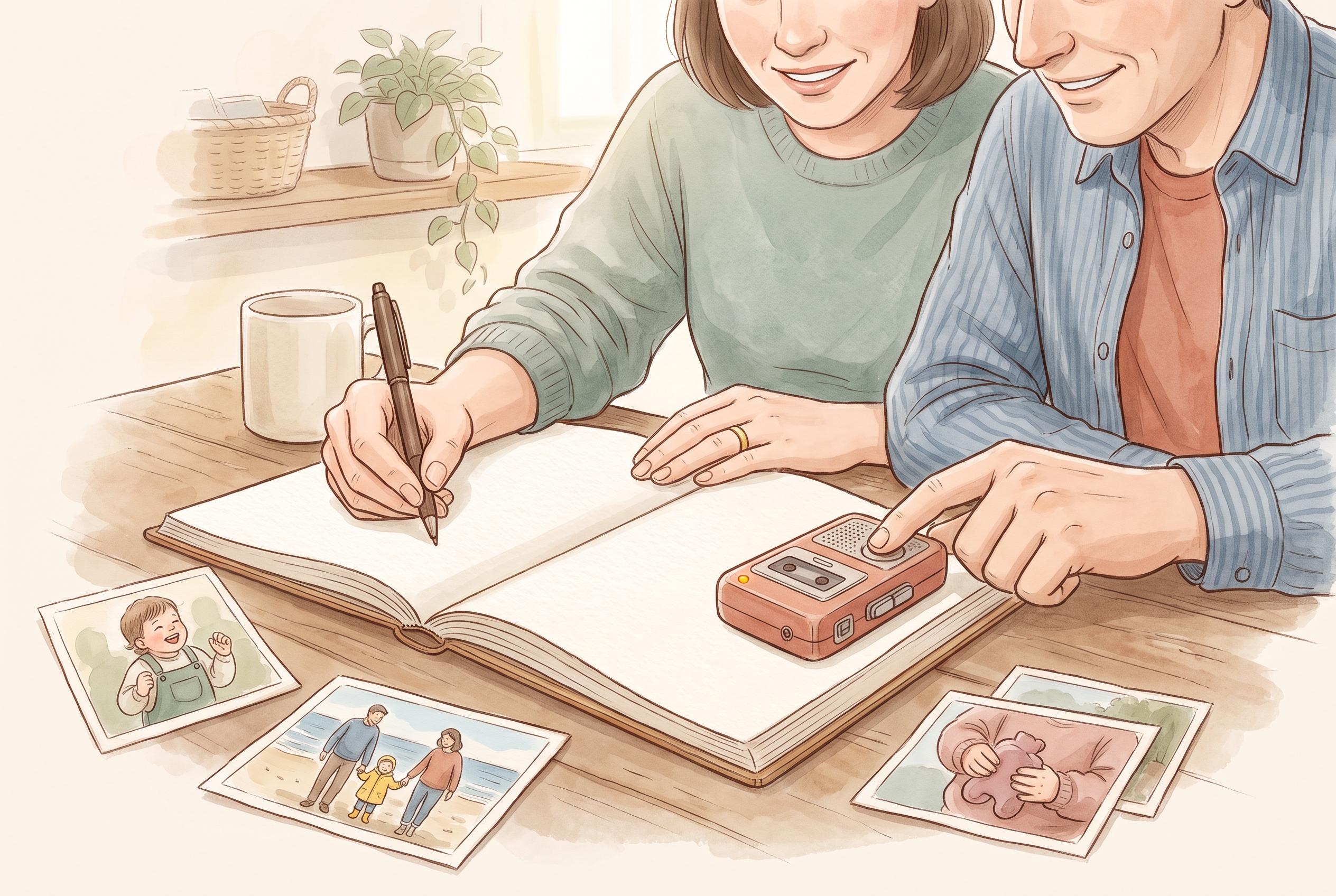
A photo journal app keeps three things in one place: the photo, the words you write about it, and — if you want — a short recording of a voice. Instead of an image floating in a stream of thousands, you get an entry: the picture, plus the small facts that make it yours.
- The words: what happened, who was there, the phrase someone actually used.
- The voice: a ten-second recording of a laugh or a story, kept beside the photo instead of buried in a separate app.
- The grouping: a few related photos held together as one moment, rather than scattered across the roll.
For example, a camera roll might hold six near-identical shots of a birthday cake. A journal entry keeps the one good photo, one line about who blew out the candles, and the sound of the room singing. Six photos become one memory you can find again.
Where each detail actually belongs
You do not need to choose one tool forever. Most people capture in the camera roll and curate into a journal. Here is a simple way to sort what goes where.
- Keep in the camera roll: quick reference shots, things you'll delete, photos of documents, anything without a story attached.
- Move into a journal: the photo you'd be sad to lose the story behind, moments with a voice or a quote worth keeping, small events that felt ordinary now but won't stay ordinary.
- Write down straight away: the name you'll forget, the exact words a child said, where you were. These are the details a camera never captured and your memory won't hold.
Moving photos in without starting from scratch
The fear with any photo journal app is that it means re-doing everything. It doesn't have to. You can bring existing photos across in small batches — a single event at a time — rather than importing your whole library at once. Tools like magic import are built to pull selected photos into a journal so you add the words while the picture is already in place.
A realistic rhythm: once a week, pick five to ten photos worth keeping, drop them into entries, and add a line or a voice note to each. The unused photos stay in your camera roll, untouched. You are not deleting your camera roll — you are lifting the keepers out of it.
An honest limitation about details and AI
A photo journal app can help tidy a caption or turn a real memory into an illustrated page. What it should never do is invent the facts. If you didn't note the date, no feature can truthfully recover it; a helpful caption is a suggestion, not a witness. Some assistance may use documented third-party providers, so treat AI as a writing aid, not a source of truth about your family's history.
The tool can polish how a memory reads. It cannot remember what you didn't write down. That part is still your job — which is why writing the detail early matters most.
Keeping it private and shared with the right people
A camera roll is mostly all-or-nothing: it's on your phone, or you're sending a link. A journal lets you decide who sees what. With family sharing you choose an audience — a partner, a grandparent, an invited relative — rather than broadcasting. You can read the specific choices and controls in the privacy promise. Details worth keeping are often details you only want certain people to hold.
Kaiary is a private family memory journal that keeps photos, words and voices together in one place, and lets you share them only with the people you invite. If your camera roll is full of pictures whose stories only you remember, a journal is where those details finally get to live beside them. Availability and features vary by region and change over time; check current details before you rely on any one feature.
What does a photo journal app do that my camera roll can't?
A photo journal app keeps the photo, your written words and an optional voice recording together as one entry, so the story stays attached to the image. A camera roll stores the picture in date order with no place to hold context, which is why the details behind a photo tend to fade.
Do I have to move all my photos into a photo journal app?
No. Most people leave the bulk of their photos in the camera roll and move only the keepers into a journal, a few at a time. Import tools let you pull selected photos into an entry so you add the words while the picture is already there, without re-doing your whole library.
Can a photo journal app fill in details I've forgotten?
It can help polish a caption or turn a real memory into an illustrated page, and some assistance may use documented third-party providers. It should not invent facts like dates or quotes you never recorded. Treat AI as a writing aid, not a witness — write the important details down yourself, early.