- Read the organization's actual school photo policy before asking, then state one specific preference in writing.
- Be precise: public feeds, identifiable photos, internal use and "no photos at all" are different requests.
- A request shapes future posting but can't guarantee removal of copies that already exist elsewhere.
- Keep the photos you love in a private family journal shared only with people you choose, not a public timeline.
Start by finding the written policy before you write anything. Schools and clubs usually document how they use photos — often in an enrollment pack, a consent form, or a page on their site. Read what it actually says, then reply with one specific preference: public posting versus closed access. Ask in writing, keep it brief, and confirm who handles the request.
Find the actual school photo policy first
Before you ask for anything, read what the organization has already committed to. A school photo policy is usually shorter and more specific than parents expect, and it tells you what you're actually agreeing to.
- Check the enrollment or registration pack — photo consent is often a single tick-box you may have passed over quickly.
- Look for a privacy notice or photography policy on the organization's website, sometimes linked in the footer.
- For clubs, ask the coach or coordinator directly: "Where's your policy on posting photos of children?"
- Note the difference between internal use (a private newsletter or parent group) and public feeds (open social media, a public website).
Reading the policy first means your request lands as an informed preference rather than a complaint. You'll also spot whether there's a standing consent you can withdraw or amend.
Decide what you're actually asking for
"Keep my child off social media" can mean several different things. Being precise makes it far easier for a busy teacher or volunteer to honor. Decide which of these matches your preference:
- No posting to any public or open feed (public website, open social pages).
- No posting where your child is identifiable or named, but group shots from behind are fine.
- Internal-only use — the parent newsletter or a closed group is acceptable, but nothing public.
- No photos at all, including internal use.
This mirrors a choice you already make at home when you decide who can see a family memory: the question is less "photo or no photo" and more "who is the audience."
Write the request in a way that's easy to honor
Keep it short, specific, and free of accusation. You're not challenging the organization's whole approach — you're stating one family's preference. A few lines is plenty.
We'd prefer that photos of our daughter aren't posted to any public or social media feed. Internal use in the parent group is fine. Could you let me know who to contact if that changes?
Ask for written confirmation of who holds the request, so it doesn't vanish when a volunteer changes or a new term starts. If a photographer is hired for an event, ask whether your preference is passed on to them too.
Be honest about what a request can and can't do
A preference stated to a school or club shapes future posting. It cannot guarantee the removal of copies that already exist, and it can't control what other parents photograph and share from a shared event. This is an honest limitation worth naming to yourself early.
If a photo you'd rather stay private is already public, you can politely ask for it to be removed and reference the policy. Most organizations will comply, but treat removal as a courtesy request, not a certainty.
Keep the photos you love in a private family space
Asking a club to keep photos off public feeds doesn't mean losing the memory. It means choosing where it lives. The sports day photo can go straight into a private family journal instead of a public timeline — same picture, different audience.
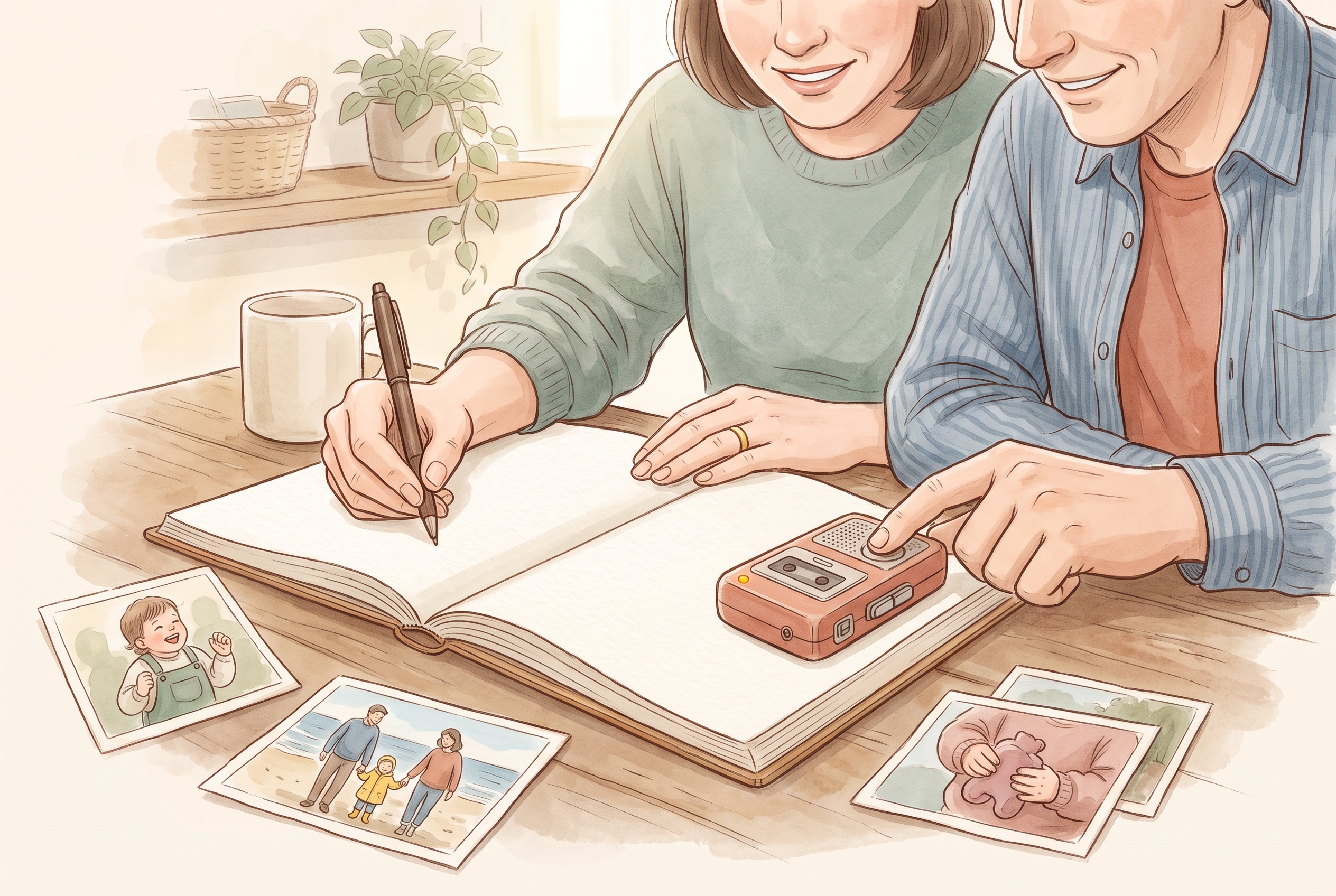
With Kaiary you can bring photos into one family journal, add a short caption or the sound of the moment, and share it only with the people you choose through family sharing. The photo, the words and the voice stay together in one place, visible to invited relatives rather than an open feed. If you're building a habit around it, keeping details in a private journal instead of scattered across apps is exactly the shift described in where the details go.
Revisit the arrangement each year
Consent forms and staff turn over. What you set in one enrollment year may not carry to the next, and a new coach may not have seen your earlier note. A light annual check — a single email at the start of term — keeps your preference current without turning it into a project.
- Re-confirm your preference at the start of each school year or club season.
- Ask again if the organization changes platforms or hires an outside photographer.
- Keep your own short record of who you asked and when, so you're not starting from scratch.
- Update your preference as your family's comfort changes over time.
What should a school photo policy tell me?
A clear policy explains how the school takes, stores and posts photos of children, where those photos may appear (public site, social media, internal newsletter), how to give or withdraw consent, and who to contact. If it's vague, ask the school to confirm these points in writing.
Can I ask a club to remove a photo already posted online?
Yes, you can politely ask for a specific photo to be taken down and reference their photo policy. Most organizations will comply, but treat it as a courtesy request. Removal from their feed can't guarantee that copies or re-shares elsewhere disappear.
Where can I keep event photos if I don't want them on public feeds?
Keep them in a private family space where you control the audience. In Kaiary, you can import the photo, add a caption or the sound of the moment, and share it only with invited relatives through family sharing instead of an open social feed.